What's New
Release notes for VoltSim. The in-app What's New dialog only shows the latest update; this page keeps a permanent record of changes across versions.
Version 1.0.5
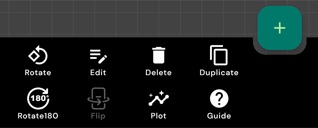
- Redesigned component toolbar: no scrolling, tap More for every action.
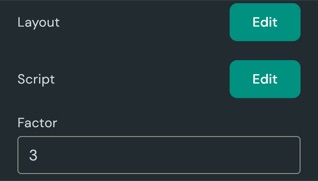
- Script Chip now comes in sizes from 1 to 16 inputs and outputs.
- Script Chips can now have editable parameters.
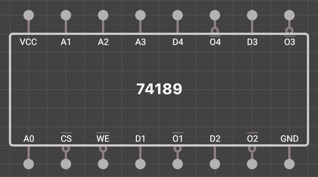
- New component: 74189 64-bit RAM.
- New components: 4008 4-bit adder and 4077 XNOR ICs.
- Manage your custom ICs from the new Manage libraries screen in Settings.
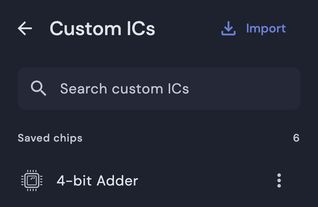
- Your custom ICs now appear in component search.
- Search community circuits by name, description or tag.
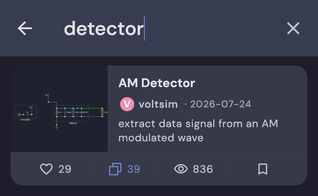
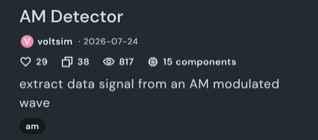
- Tap a community card to read its full description and details.
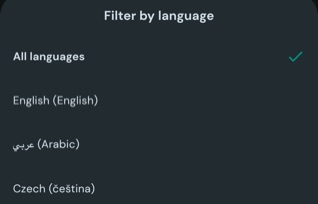
- Filter community circuits by language.
- Signal sources now go up to 50 MHz, with no more flat-line waveforms.
- Steadier RMS readings on meters, including slow AC.
- Wire-loop and chip-packaging errors now highlight exactly what's wrong.
- Fixed output and logic bugs in many 74xx and 40xx chips.
- Wire routing, thermistor, wattmeter, email sign-up and stability fixes.
Version 1.0.0
- Accounts are here — sign in with Google, Apple or email.
- Cloud Sync keeps your projects up to date on every device.
- New Community tab — browse, save and copy circuits.
- Share your own circuits with the community.
- New Core Bundle (one-time purchase) and Pro Bundle (adds cloud features).
- New Circle graphics component.
- Clearer message when a circuit fails to converge.
- Sequence generator, layout and stability fixes.
Version 0.3.21.0
- Simulate circuits up to 5x larger than before.
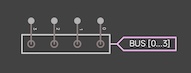
- New Bus component to bundle multiple signals into one labeled line.
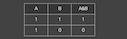
- New Table component to display table of data.
- New Arrow component to annotate and point out parts of your circuit.

- New Box component to group and label sections of your circuit.
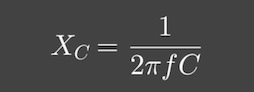
- New Formula component will let you show any maths equation in LaTeX.
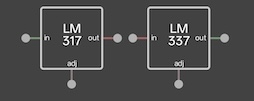
- New components: LM317 and LM337 adjustable voltage regulators and the 4047 IC.
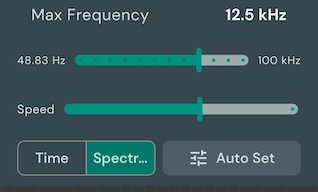
- New Frequency Domain mode to view a signal's spectrum on the scope.
- Export your oscilloscope captures to share or analyse them outside the app.
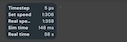
- Live simulation stats: timestep, speed, and sim vs real time.
- Your wire grid-snapping preference is now remembered between sessions.
- Added Chinese language support, along with translation improvements.
- Improved layout for right-to-left languages.
- Fixed numerous minor bugs.
Version 0.3.20.0
- Script Chips: Now you can create custom ICs which will execute your custom code.
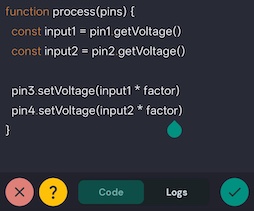
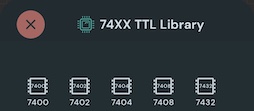
- New Library: 74XX series (25+ components)
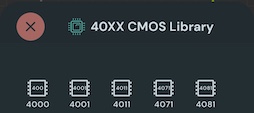
- New Library: 40XX series (20+ components)
- New Library: 78XX series (9+ components)
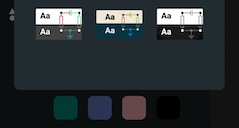
- New Amoled dark theme
- Now you can export and import custom ICs that you create
- New Component: Trimmer Capacitor [Free]
- New Component: LED Bar [Misc]
- Fixed issues with shared link opening
- Fixed TL431, component rotations, DPDT Switch bug and other component fixes
- More reliable volume buttons and sensors on Android, with microphone and sensor fixes on iOS.
- Better support on older Android versions.
- Fixed numerous minor bugs.
Version 0.3.19.0
- Script Chips: Now you can create custom ICs which will execute your custom code.
- New Library: 74XX series (25+ components)
- New Library: 40XX series (20+ components)
- New Library: 78XX series (9+ components)
- New Amoled dark theme
- Fixed issues with shared link opening
- Fixed TL431, component rotations, DPDT Switch bug and other component fixes
- More reliable volume buttons and sensors on Android, with microphone and sensor fixes on iOS.
- Better support on older Android versions.
- Fixed numerous minor bugs.
Version 0.3.17
- Script Chips: Now you can create custom ICs which will execute your custom code.
- Fix the rotation in multiple components. Improve the simulator UI performance
- More reliable volume buttons and sensors on Android, with microphone and sensor fixes on iOS.
- Better support on older Android versions.
- Fixed numerous minor bugs.
Earlier updates
Scope, sensors & audio
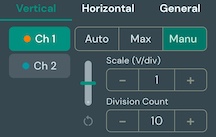
- Added advanced scope controls. This allows precise scale and offset adjustments.
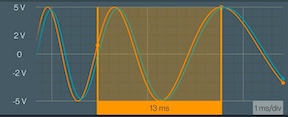
- You can now measure signals within a selected range and perform precise measurements including range calculations.
- New component: Microphone. This component will use device microphone to inject audio into circuit as signal like a real mic.
- New component: Audio File Input. This component will read an audio file and inject audio into circuit as signal.

- New extension: Device Sensors. This extension gives access to 11 new components, which would give access to mic, flashlight, volume switch, gyroscope, etc
- New component: SR Latch. This is a basic digital circuit that stores one bit of data and has two inputs Set and Reset.
Workspace & editing
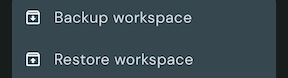
- Added backup and restore feature to save and recover all your projects.
- The examples screen has been redesigned for easier access, and new examples have been added.

- The multimeter has been redesigned. You can now hold the display and lock the selection mode.
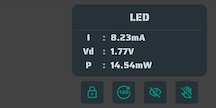
- You can connect a node to any section of the wire by clicking it in connect mode. The wire needs to be snapped to the grid.
- Improved movement of component when they are snapped to grid
- New component: IONode. This component will mark a node as CustomIC pin. Digital IO pins can be set as IONode.
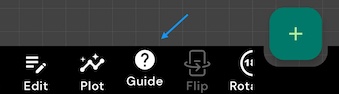
- The guide button in component bottom bar will give you a short description and usage of that component
- Grid snapping for wires is now available to enable.
- Now if a component is moved to a wire it will autoconnect. If a node overlaps with a wire without connecting, its color will change to orange
Major redesign
- The app has been redesigned with a strong focus on user experience (UX).
- Redesigned scope info bar to show better info.

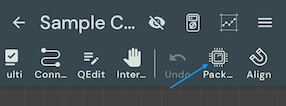
- Now you can create IC with user defined internal circuit. Use the package button to package the current circuit.
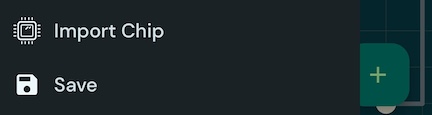
- You can import custom ICs using the import IC menu button in sidebar
- Now you can organise projects using folders.

- Now you can select multiple components by long press in multi-select mode.
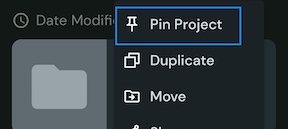
- Now you can pin important projects to the top for quick access.
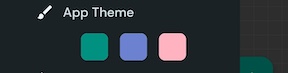
- Updated themes with improved colors and UI.
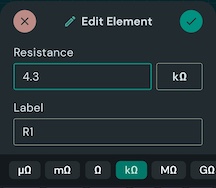
- Enhanced the edit dialog with a dynamic UI for a better experience. Improved unit selection for better usability.
- Other fixes to improve simulation errors and simulation speed
Older scope & components
- Added scope plots info view and improved scope graphics for themes and cross-hair
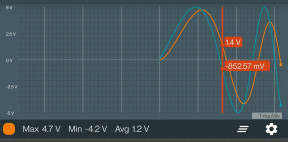
- Now scope info will show frequency of the signal [Instruments Extension]

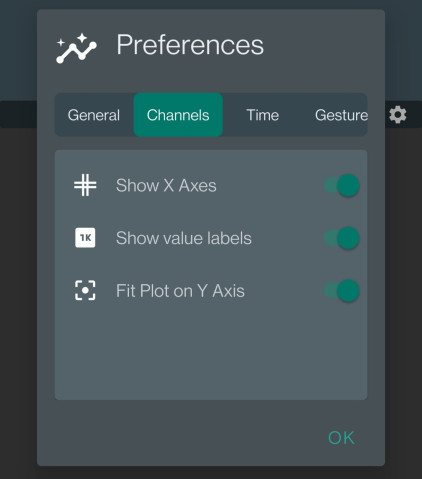
- Improved interface and options for scope preferences.
- New component: Frequency Meter [Misc Extension]
- New component RGB LED [Free]

- New Component: TL431 [Analog Extension]